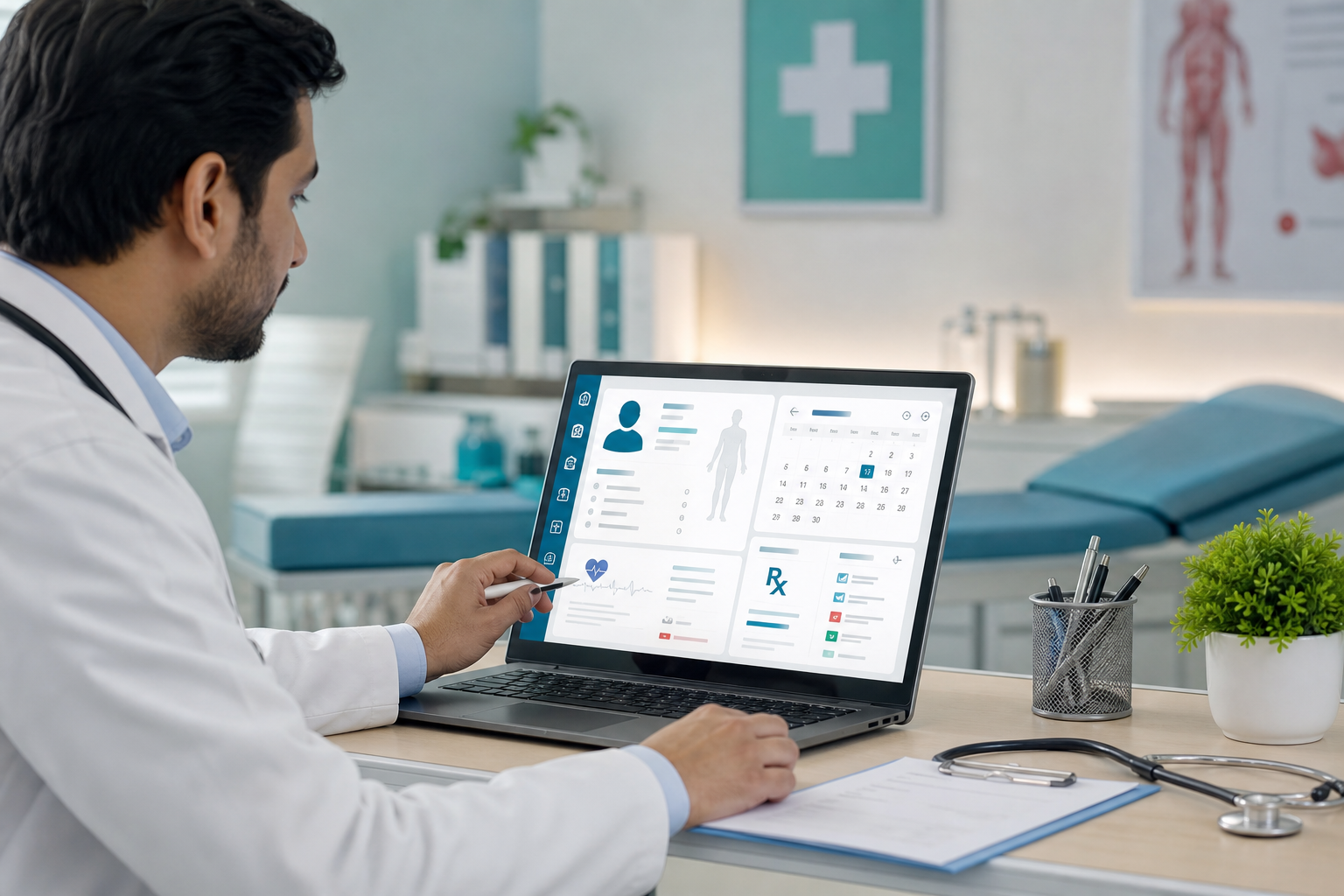
How to Use EMR Software
Healthcare is becoming increasingly digital, and Electronic Medical Record (EMR) software has become an essential tool for clinics, hospitals, and healthcare professionals. From recording patient histories to generating prescriptions and managing follow-ups, EMR software helps healthcare providers improve efficiency while delivering better patient care.
However, simply installing an EMR system is not enough. To gain its full benefits, healthcare teams need to understand how to use it effectively as part of their daily clinical workflow.
This guide explains how to use EMR software, from patient registration to documentation, prescriptions, reporting, and best practices. Whether a healthcare organization is adopting EMR for the first time or looking to optimize existing workflows, this comprehensive guide provides practical insights for the Indian healthcare environment.
What Is EMR Software?
Electronic Medical Record (EMR) software is a digital platform that stores and manages patient medical information within a healthcare facility. Instead of maintaining paper files, healthcare providers use EMR software to record consultations, diagnoses, prescriptions, laboratory reports, imaging records, treatment plans, and follow-up notes.
An EMR acts as the digital version of a patient's medical chart, making information accessible whenever it is needed.
Why Learning to Use EMR Software Properly Matters
Many healthcare organizations invest in digital systems but fail to achieve the expected benefits because users are not properly trained.
Effective EMR usage helps healthcare providers:
- Reduce documentation time
- Improve patient safety
- Minimize medical errors
- Enhance communication between departments
- Organize patient information
- Improve operational efficiency
- Deliver better patient experiences
- Support informed clinical decision-making
The goal is not simply to digitize records but to create a smoother and more efficient healthcare workflow.
Step 1: Log in Securely
Every authorized healthcare professional should have individual login credentials.
Most EMR systems require:
- Username
- Password
- Two-factor authentication (if enabled)
Individual accounts help maintain patient privacy while creating an audit trail of every action performed within the system.
Healthcare organizations should avoid sharing user accounts among staff members.
Step 2: Register a New Patient
The first interaction with an EMR usually begins with patient registration.
Reception staff typically enter:
- Patient name
- Date of birth
- Gender
- Contact number
- Email address
- Residential address
- Emergency contact
- Insurance details
- Government-issued identification
- Unique patient ID
The software creates a permanent digital profile that can be updated whenever the patient visits again.
Accurate registration helps prevent duplicate records and improves future searches.
Step 3: Schedule Appointments
Modern EMR systems include appointment management features.
Reception teams can:
- Book consultations
- Allocate doctors
- View available schedules
- Reschedule appointments
- Cancel appointments
- Send reminders
Digital scheduling reduces administrative workload while helping clinics manage patient flow more efficiently.
Step 4: Access the Patient Record
When the patient arrives, healthcare providers simply search using:
- Patient ID
- Mobile number
- Name
- Registration number
Within seconds, the complete medical history becomes available.
Doctors can review:
- Previous consultations
- Chronic illnesses
- Allergies
- Current medications
- Vaccination history
- Surgical history
- Laboratory reports
- Imaging results
Having immediate access to historical information supports more informed clinical decisions.
Step 5: Record the Patient Consultation
Clinical documentation is one of the most important functions of EMR software.
During consultation, doctors typically document:
Chief Complaint
The primary reason for the patient's visit.
Example:
- Fever
- Persistent cough
- Joint pain
- Chest discomfort
Medical History
Doctors record:
- Previous illnesses
- Family history
- Lifestyle factors
- Existing medications
- Allergies
Physical Examination
Clinical observations may include:
- Blood pressure
- Heart rate
- Temperature
- Respiratory rate
- Weight
- Height
- Physical findings
Diagnosis
The physician documents:
- Confirmed diagnosis
- Probable diagnosis
- Differential diagnosis
Many EMRs use standardized coding systems to maintain consistency.
Treatment Plan
The doctor outlines:
- Medication
- Lifestyle recommendations
- Diagnostic investigations
- Referral recommendations
- Follow-up schedule
Everything becomes part of the patient's permanent digital record.
Step 6: Generate Electronic Prescriptions
One of the biggest advantages of EMR software is electronic prescribing.
Doctors can quickly create prescriptions by selecting medicines from the built-in database.
Digital prescriptions improve:
- Readability
- Accuracy
- Medication safety
- Patient convenience
Some systems also provide alerts regarding:
- Drug allergies
- Drug interactions
- Duplicate medications
- Incorrect dosages
Patients receive printed or digital prescriptions that are easy to understand.
Step 7: Order Laboratory Tests
EMR software simplifies diagnostic workflows.
Doctors can request investigations directly from the system, including:
- Blood tests
- Urine analysis
- CT scans
- MRI
- Ultrasound
- ECG
- X-rays
Laboratory staff receive digital requests without relying on paper forms.
Once testing is complete, reports are uploaded directly into the patient's record.
This eliminates the need to manually file laboratory reports.
Step 8: Review Diagnostic Results
After investigations are completed, doctors can review reports within the EMR.
Results may include:
- Laboratory values
- Radiology reports
- Images
- Specialist interpretations
Comparing current reports with previous records helps monitor disease progression and treatment effectiveness.
Step 9: Update Clinical Notes
Healthcare providers should update patient records after every interaction.
Progress notes may include:
- Improvement
- New symptoms
- Medication changes
- Treatment response
- Complications
- Recovery milestones
Accurate documentation supports continuity of care.
Step 10: Schedule Follow-Up Visits
Before completing the consultation, doctors can schedule follow-up appointments.
The EMR may automatically remind patients through:
- SMS
- Mobile notifications
Regular follow-ups improve treatment adherence and patient satisfaction.
Step 11: Complete Billing
Many EMR systems integrate with billing software.
After consultation, staff can generate invoices for:
- Consultation fees
- Laboratory services
- Procedures
- Medications
- Follow-up visits
Integrated billing reduces duplicate data entry and minimizes administrative errors.
Step 12: Generate Reports
Healthcare administrators rely on EMR reporting tools for operational insights.
Reports may include:
- Daily patient volume
- Revenue analysis
- Doctor productivity
- Appointment trends
- Disease statistics
- Prescription trends
- Financial summaries
These insights support better management decisions and resource planning.
Daily Workflow Using EMR Software
A typical patient journey within an EMR system follows this sequence:
- Patient registration
- Appointment booking
- Patient check-in
- Medical history review
- Clinical consultation
- Documentation
- Prescription generation
- Diagnostic test orders
- Billing
- Follow-up scheduling
- Record storage
This structured workflow reduces delays and improves coordination across departments.
Best Practices for Using EMR Software
Document Information Immediately
Clinical notes should be entered during or immediately after consultation.
Delayed documentation increases the risk of missing important information.
Maintain Data Accuracy
Healthcare staff should verify:
- Patient identity
- Contact details
- Medication lists
- Allergies
- Medical history
Accurate information improves patient safety.
Use Standardized Templates
Most EMRs offer specialty-specific templates.
Using templates:
- Saves time
- Improves consistency
- Reduces documentation errors
Protect Patient Privacy
Healthcare providers should:
- Never share passwords
- Log out after use
- Restrict unauthorized access
- Follow organizational security policies
Protecting patient confidentiality remains a legal and ethical responsibility.
Review Previous Records Before Consultation
Understanding a patient's previous history helps doctors make better treatment decisions.
Reviewing earlier consultations also reduces duplicate investigations.
Keep Records Updated
Every patient interaction should be documented.
Incomplete records reduce the effectiveness of EMR software.
Common Mistakes to Avoid
Healthcare organizations should avoid these common errors:
- Skipping staff training
- Entering incomplete patient information
- Delaying documentation
- Ignoring software updates
- Sharing login credentials
- Failing to back up data
- Overlooking patient allergies
- Creating duplicate records
Avoiding these mistakes improves both efficiency and patient safety.
How Different Healthcare Professionals Use EMR Software
Reception Staff
Reception teams use EMRs for:
- Registration
- Appointment scheduling
- Patient check-in
- Billing
- Updating contact information
Doctors
Physicians use EMRs for:
- Reviewing history
- Recording consultations
- Diagnosing conditions
- Writing prescriptions
- Ordering investigations
- Monitoring treatment progress
Nurses
Nurses document:
- Vital signs
- Medication administration
- Nursing observations
- Patient monitoring
- Recovery notes
Laboratory Staff
Laboratory professionals use EMRs to:
- Receive test requests
- Upload reports
- Track completed investigations
Hospital Administrators
Administrators monitor:
- Patient statistics
- Financial performance
- Department efficiency
- Staff productivity
- Operational reports
Cloud-Based vs On-Premise EMR Usage
Cloud-Based EMR
Advantages include:
- Remote access
- Automatic software updates
- Lower infrastructure costs
- Easy scalability
- Faster deployment
On-Premise EMR
Advantages include:
- Greater control over infrastructure
- Internal server management
- Customized deployment
Healthcare organizations should choose the model that aligns with their operational needs, IT capabilities, and budget.
Training Staff to Use EMR Software
Successful implementation depends on comprehensive training.
Training should include:
- Navigation
- Patient registration
- Clinical documentation
- Prescription workflows
- Laboratory integration
- Billing
- Reporting
- Security practices
Continuous learning helps staff adapt to software updates and new features.
How EMR Software Improves Patient Care
Proper use of EMR software supports better healthcare by enabling:
- Faster diagnosis
- Improved communication
- Better treatment planning
- Reduced medication errors
- Improved continuity of care
- Easier follow-up management
- Better clinical documentation
- More informed decision-making
Instead of spending valuable time managing paperwork, healthcare professionals can devote more attention to patient care.
Choosing the Right EMR Software
Every healthcare organization has different requirements based on its size, specialty, and patient volume.
Before selecting a solution, evaluate:
- Ease of use
- Clinical workflow compatibility
- Security features
- Customization options
- Cloud availability
- Technical support
- Mobile accessibility
- Reporting capabilities
- Integration with laboratory and billing systems
- Scalability for future growth
The best EMR Software in India should not only digitize patient records but also simplify clinical workflows, improve efficiency, and support long-term healthcare growth.
Final Thoughts
Learning how to use EMR software effectively is essential for healthcare organizations that want to improve efficiency, enhance patient safety, and deliver high-quality care. While adopting a digital system requires planning, staff training, and workflow adjustments, the long-term benefits far outweigh the initial effort.
By following standardized processes—from patient registration and clinical documentation to electronic prescriptions, diagnostics, billing, and follow-up management—clinics and hospitals can streamline operations while providing a better experience for both healthcare professionals and patients. As India's healthcare sector continues its digital transformation, mastering EMR software will play a vital role in building more connected, efficient, and patient-centric healthcare services.